IEP HUB | Individualization & Assessment

A student's IEP is only as individualized as the data behind it. By connecting specific assessment data to your present levels statements and goals, you move from general guesses to precise instructional moves that meet students exactly where they are.

If your school uses a universal screener like:
You can now directly upload these diagnostics into the Present Levels Wizard, which allows you to produce tightly aligned statements and surface aligned goals that serve as a strong data-driven foundation for your IEP.
Try the Present Levels WizardThe more you know, the better you teach. Data-driven and specific IEPs start with baseline accuracy and continue to be strong with aligned progress monitoring.
Use the new Assessments Wizard feature to find curated, standards-aligned assessments that turn student data into an actionable instructional roadmap.
Search Over 17,000 Assessments now!Watch this 1-Minute video to learn how teachers can browse baseline and progress monitoring assessments.
Browse Assessments
A study of 211 teachers across 23 districts highlights why high-quality statements are the foundation of student success.
Read the White Paper →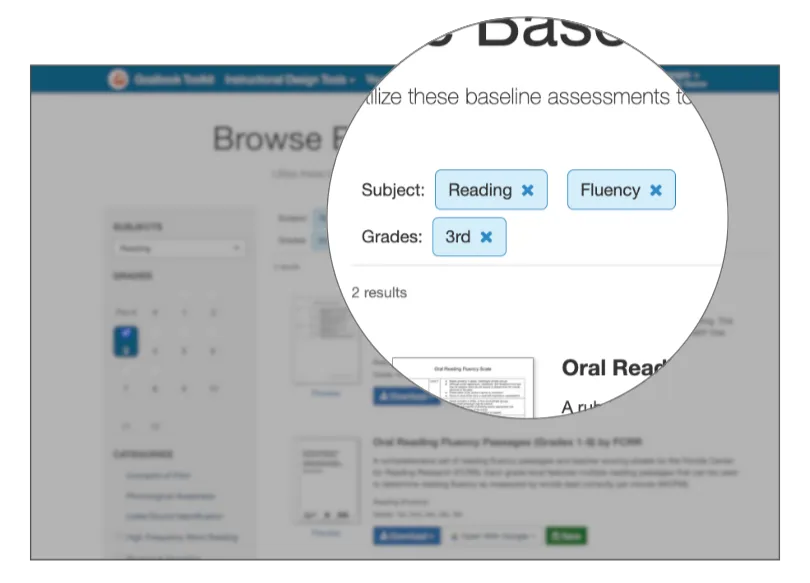
Learn how to use the Browse Baseline Assessments feature to save time while maintaining instructional integrity.
Read the Article →Navigate to the present levels wizard from the homescreen. When you select reading or math (currently the two subjects supported by this feature) and navigate to the subsequent screen, you'll have the option to select a previously downloaded screener: STAR, i-Ready, or NWEA MAP, from your computer to upload to Toolkit. Note: This data is not stored in Toolkit; it is only used to inform the particular present level that you are drafting. The process can take 10 to 15 seconds, yielding more robust, student-centered statements.
Research from the University of Missouri found a direct correlation between the quality of Present Levels statements and student achievement scores. When your data is accurate, your instructional roadmap is clear.
Yes. The Browse Assessments feature includes both baseline tools for drafting initial IEPs and progress monitoring tools to track student growth throughout the year.